Group1_nam
Group members
- Nam Nguyen
- Labeeb Zafar
- Siavash
- Nguyen Dinh
Output Devices
This is the documentation for the output LCD device.
1. Set up
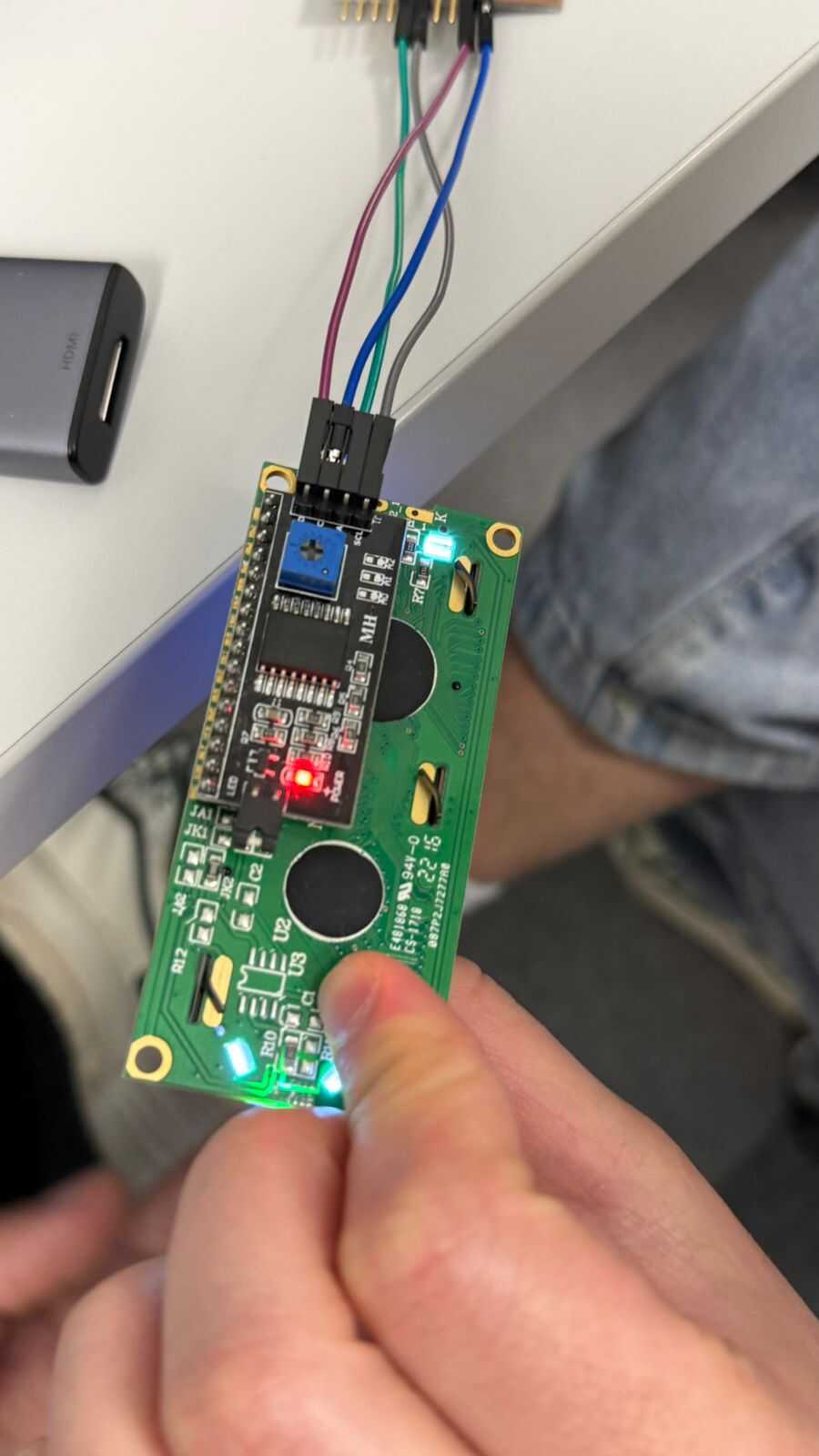
So first we start by connecting female to female wires to the correct pins of our PCB. The 4 pins are SDA, SCL, GND, and 5V power.
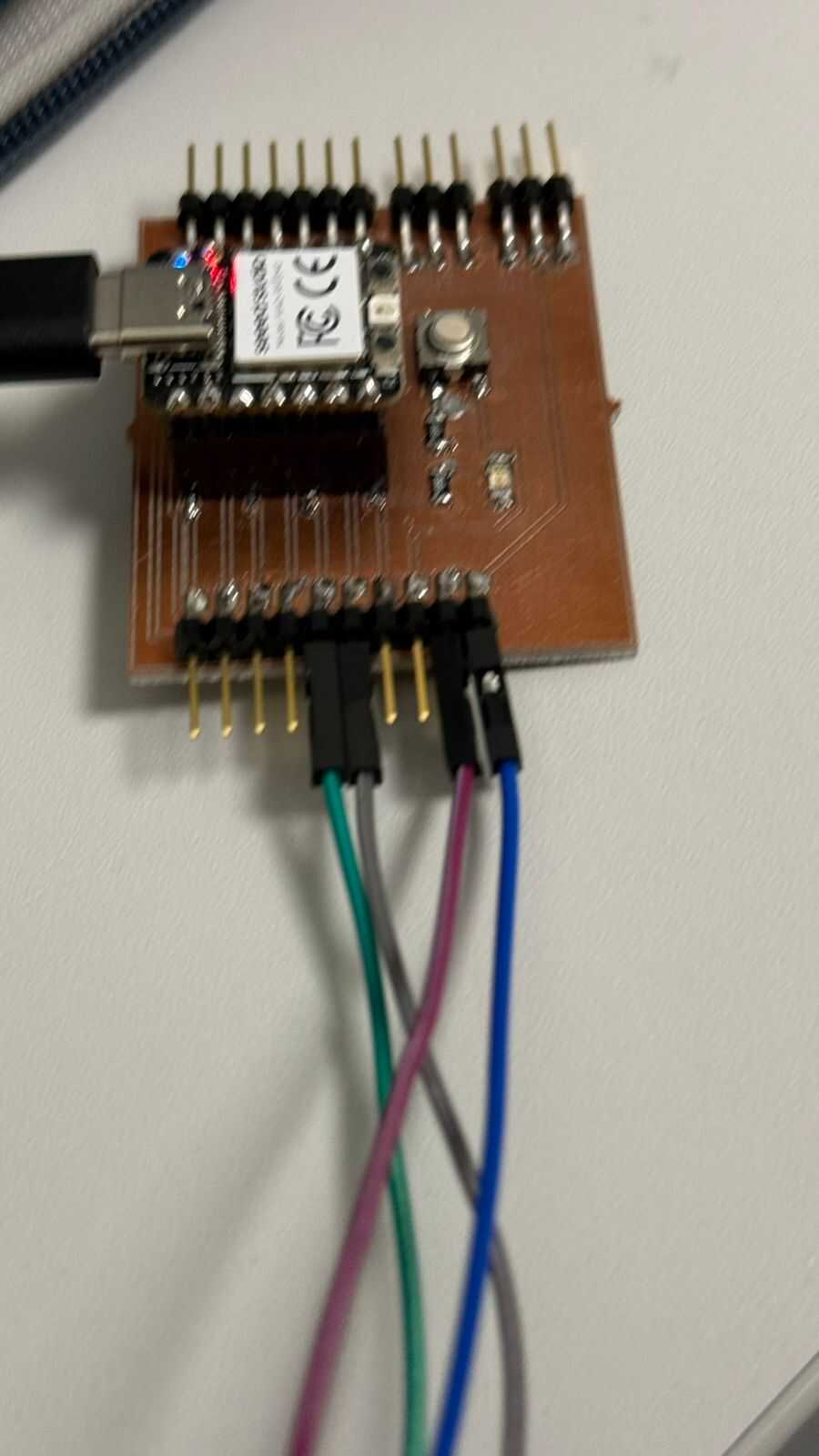
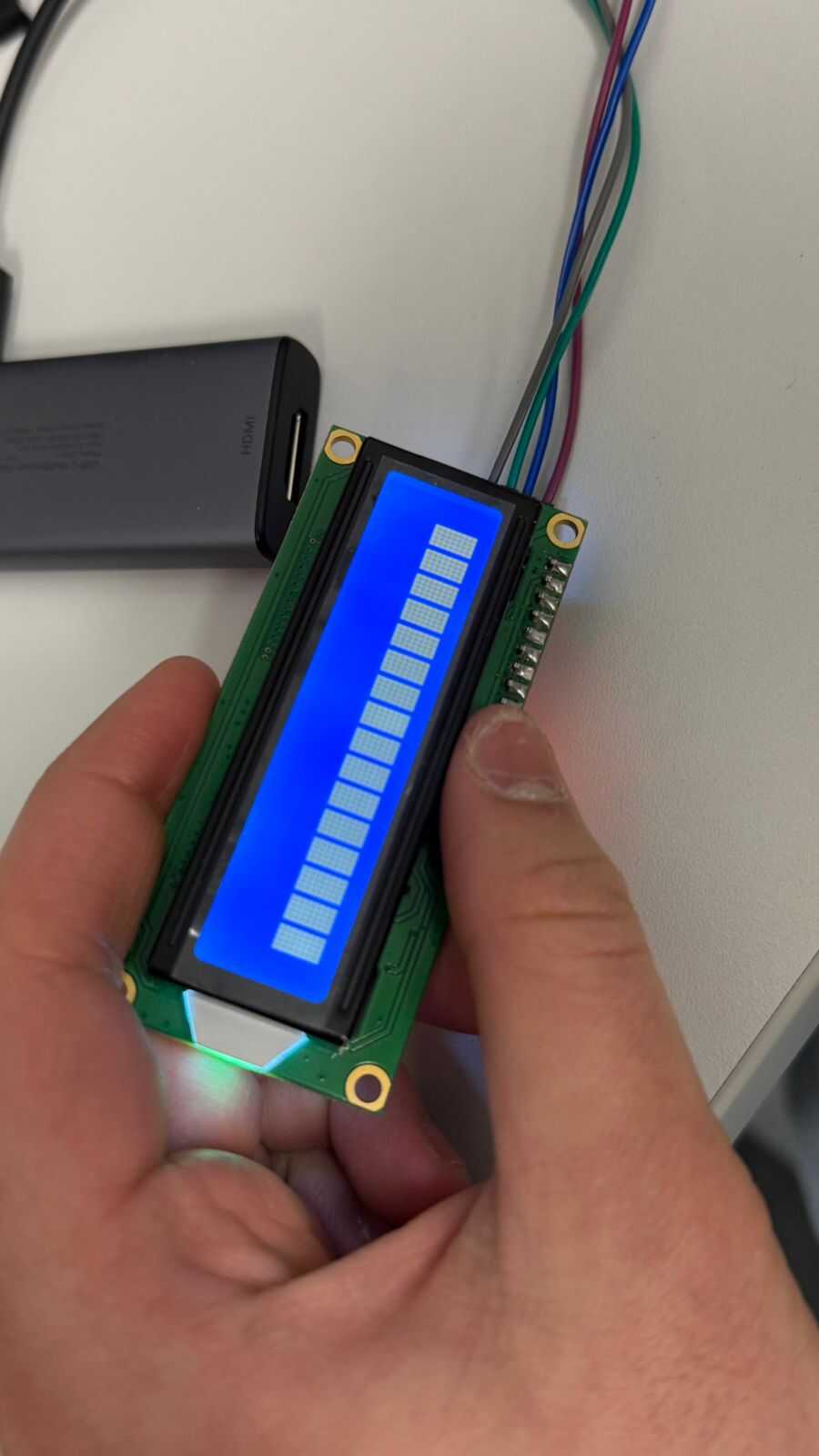
When everything is connected properly, this should be shown initially on the screen.
2. Code
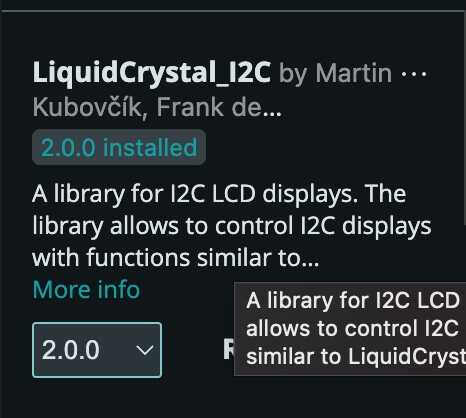
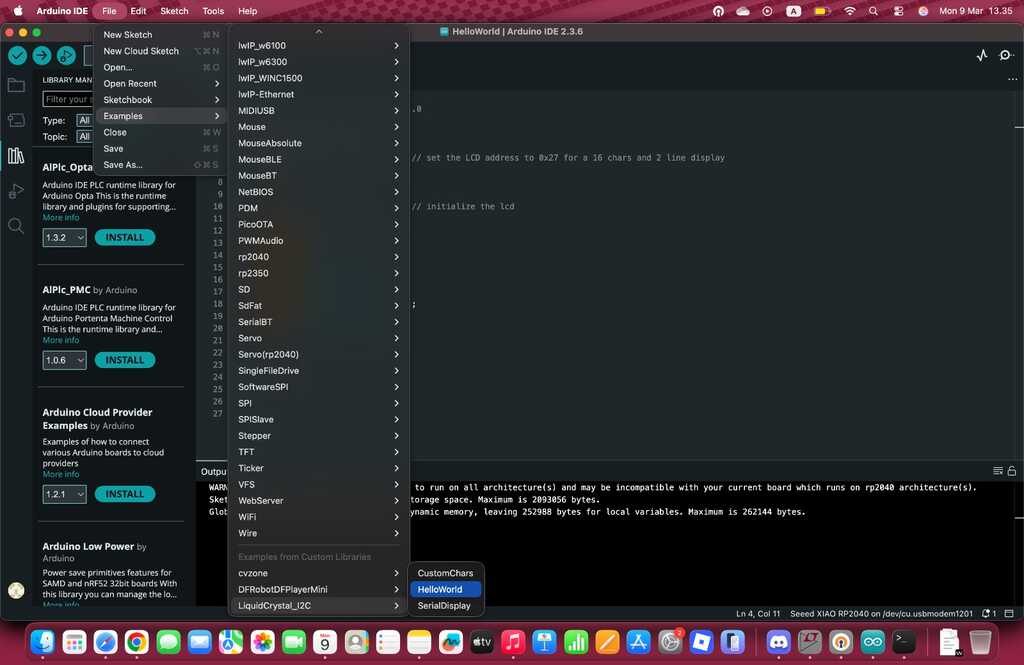
So now we go to our Arduino IDE application and install the library, after doing that we can select the example from this library and make sure that the board and port chosen is correct.
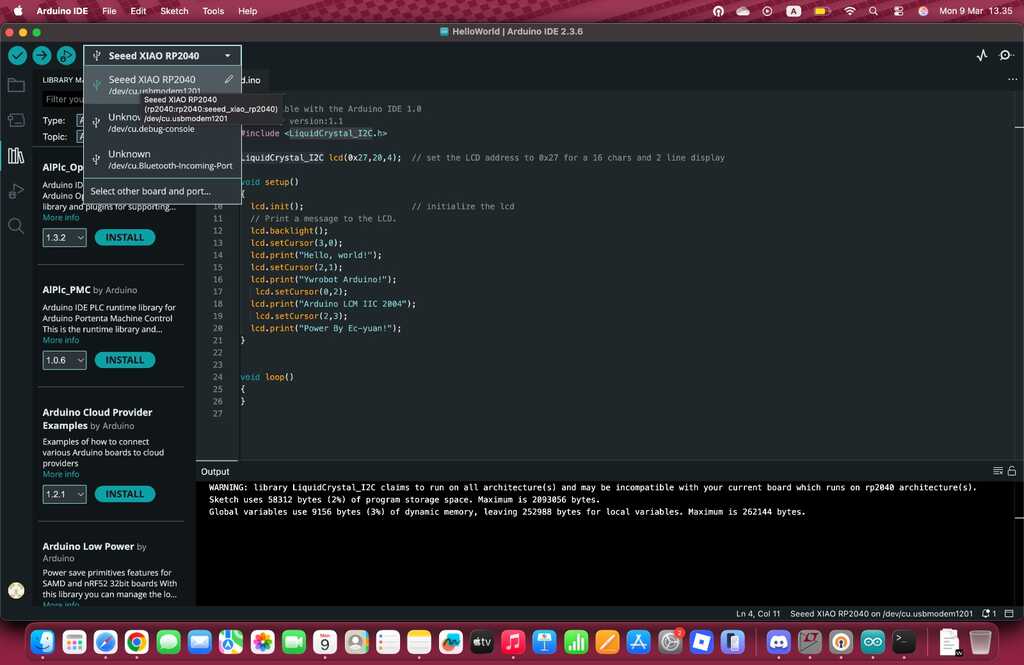
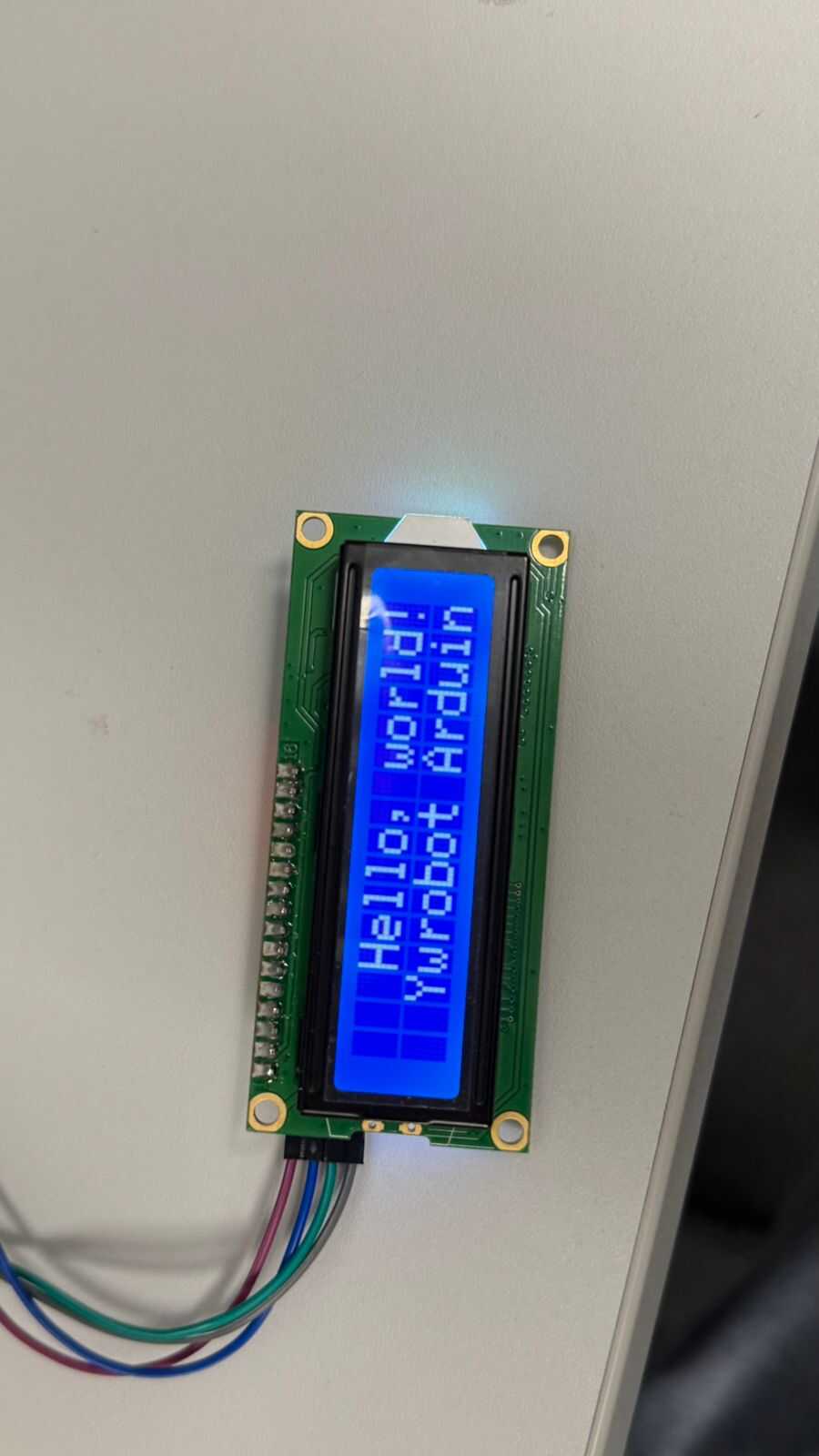
So, after running the sample “Hello World” program, if everything is properly done the screen should display this image.
3. Power Consumption
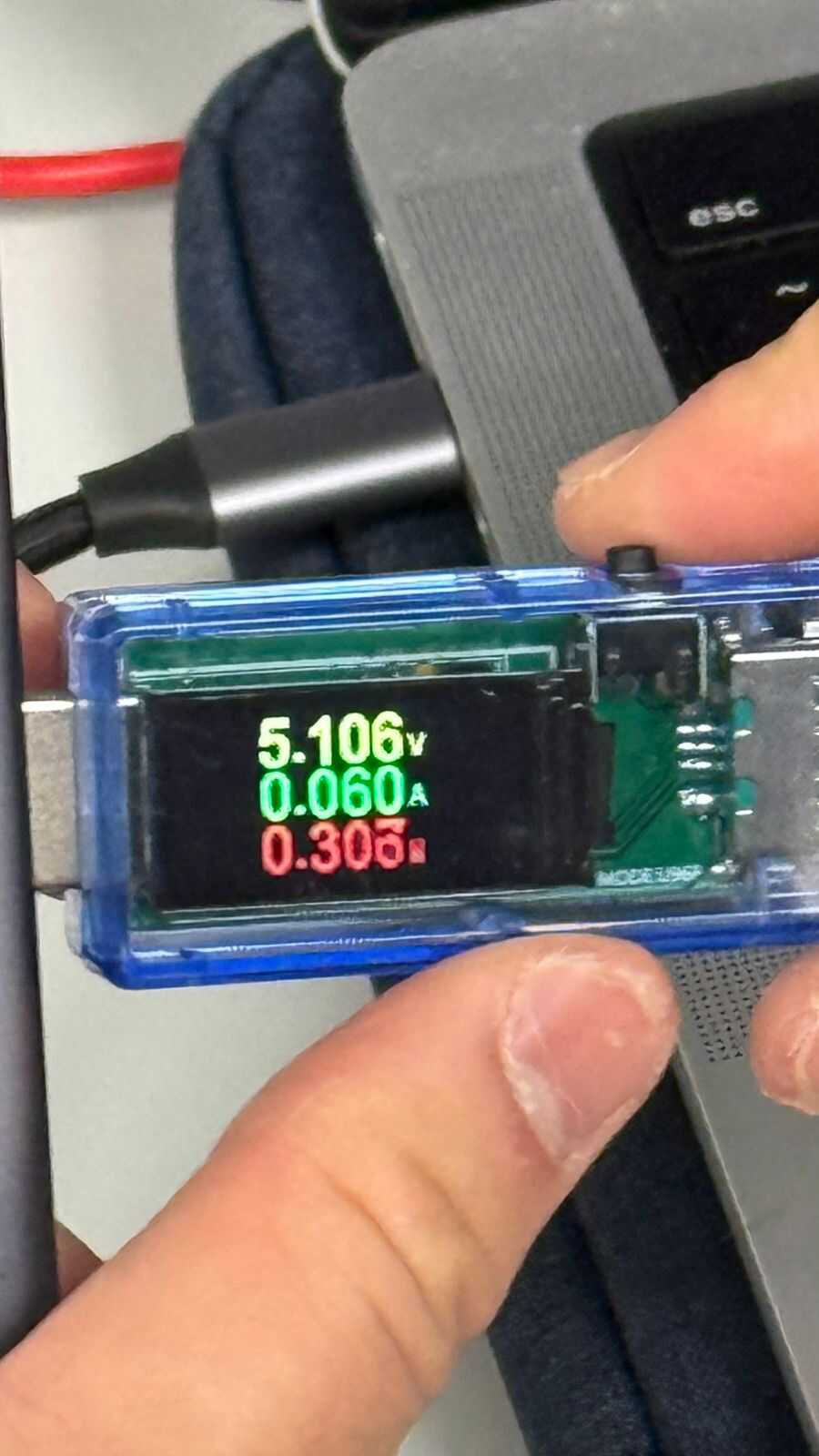
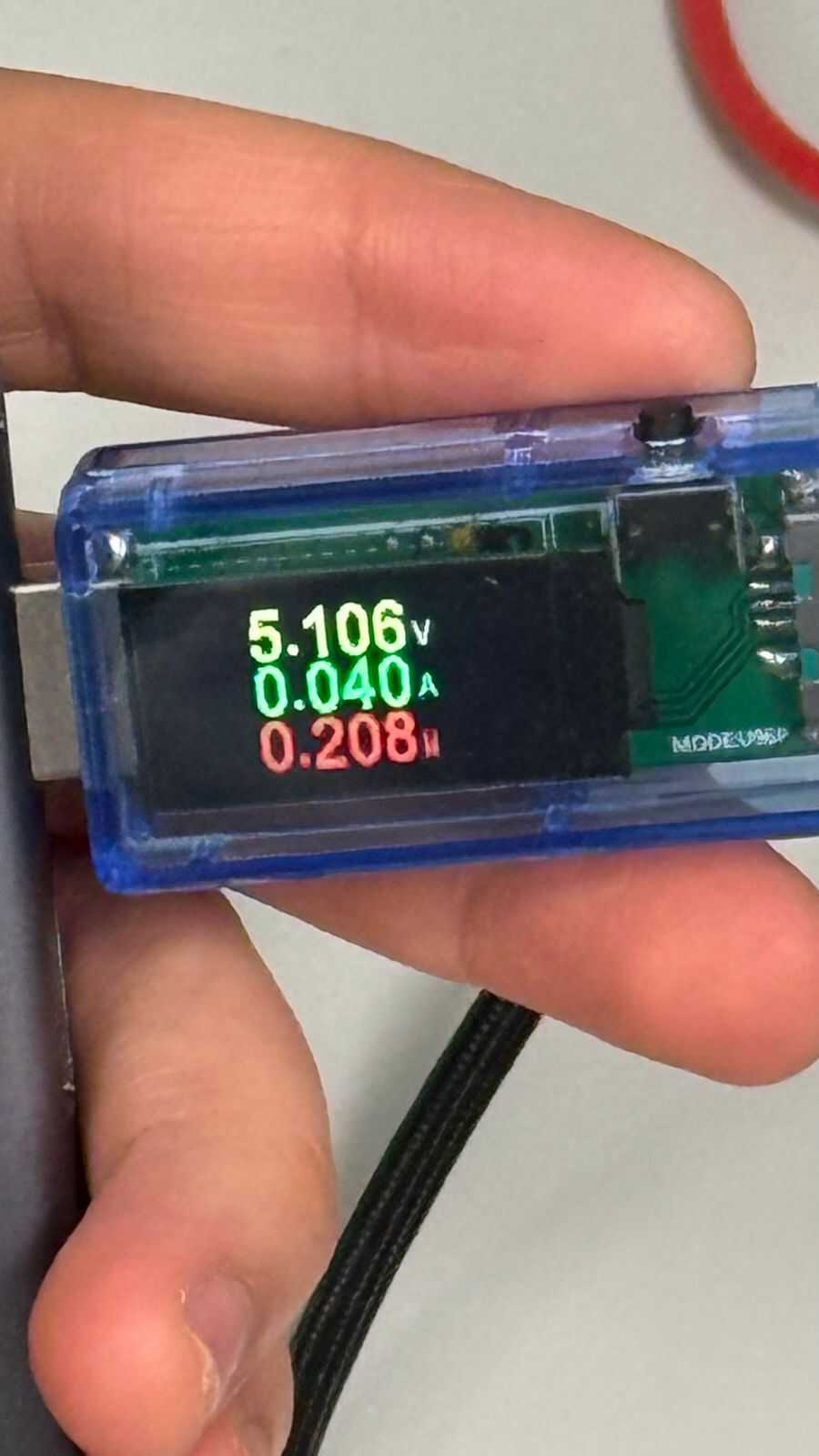
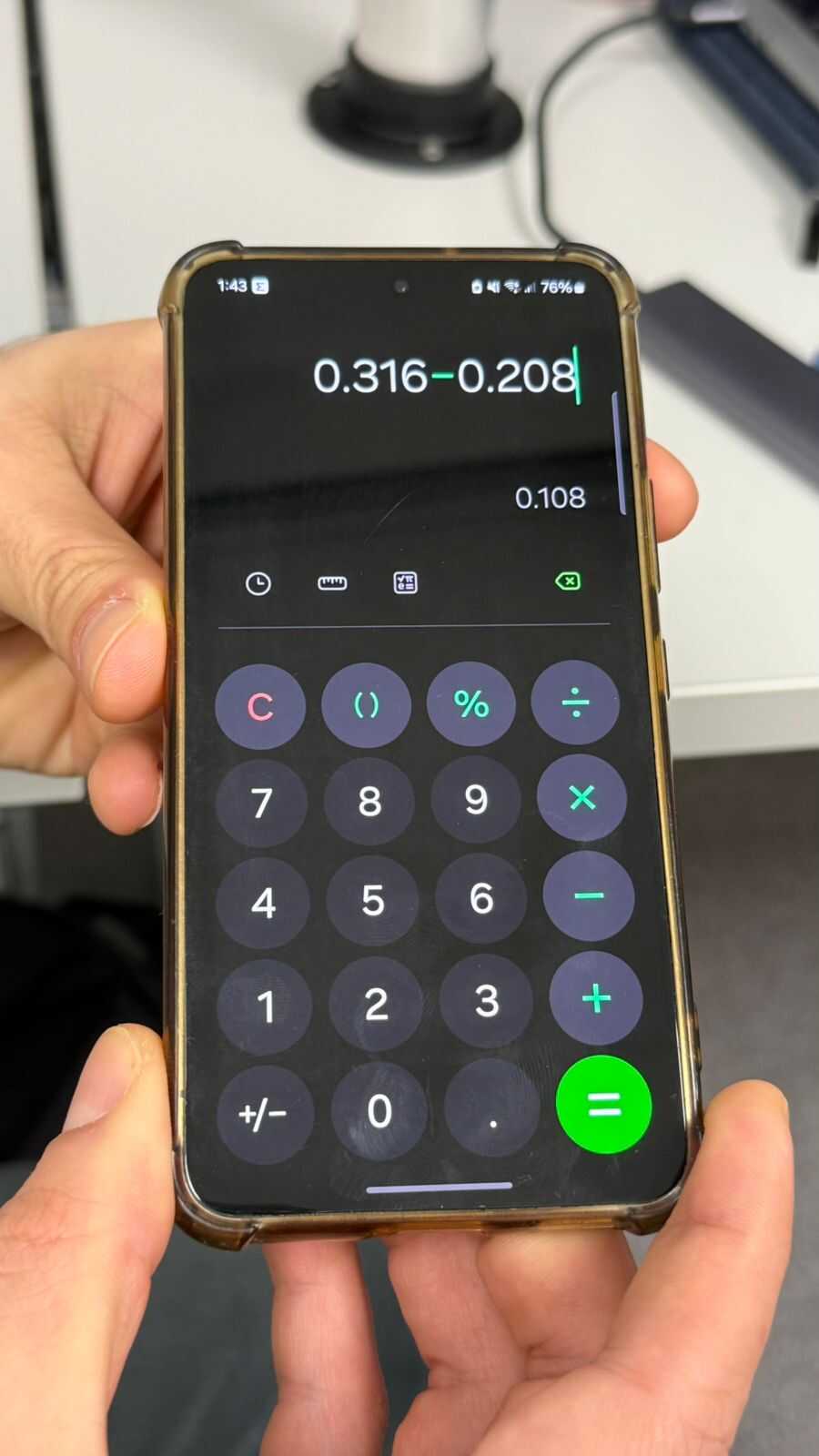
Now we want to calculate the power consumption of the LCD, by measuring the power consumption with the LCD (first image) and then subtracting that value with the power consumption without the LCD (second image). We use a USB (Nam knows the name) that shows us the value of the voltage and current from which we can calculate the power (P = IV). The results are shown below (third image).